Make every
moment count.
moment count.
Centered Hero↗
AI-assisted store screenshot workflow
Upload your real app screens, let AI propose the story, headlines, slide order and layouts, then refine every detail and export a polished Apple or Google Play set at the exact size you need.
Find your
calm focus.
AI screenshot story builder
AppScreensKit can inspect the screenshots you actually upload and turn them into a structured, editable store story instead of making you start from a blank canvas.
AI is available in signed-in projects. The public demo stays deterministic and does not make billable AI requests.
Your screenshots stay the source material. AI proposes the presentation around them.
Purpose-built layouts
Centered Hero↗
Split↗
Floating Card↗
From screenshot to store story
Start with a verified Apple or Google output preset.
Upload, use AI or choose a layout yourself, then tune only the controls that matter.
Download opaque PNGs at the exact selected dimensions.
Made with AppScreensKit
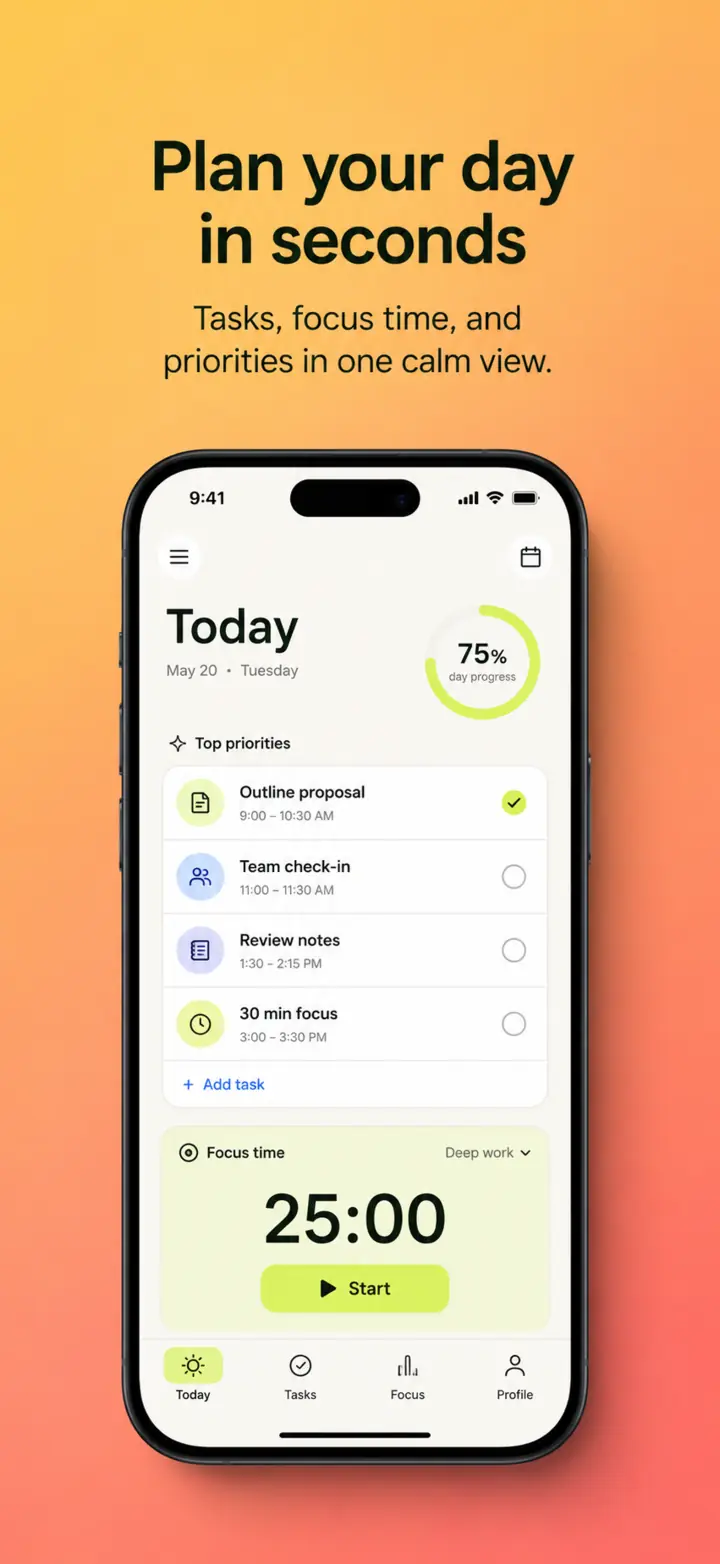
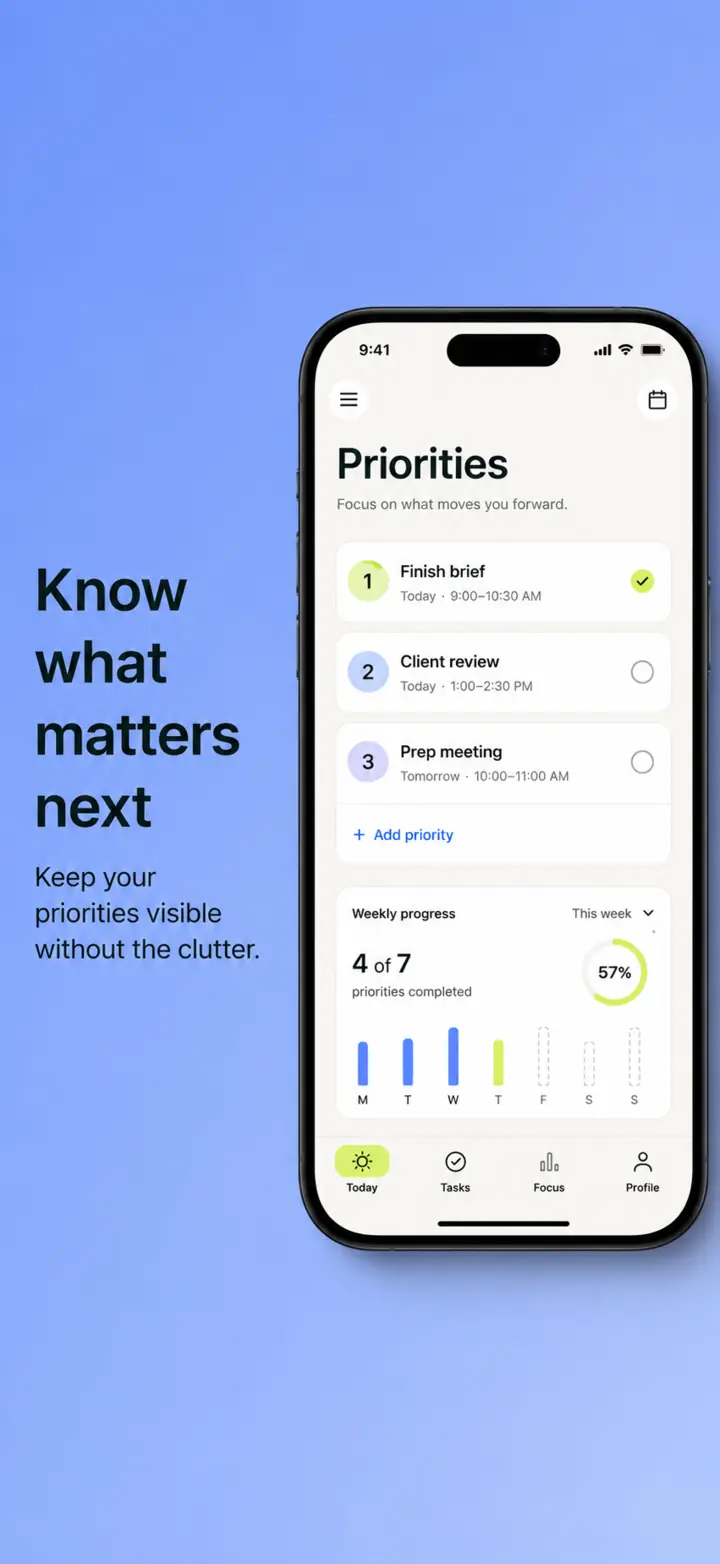
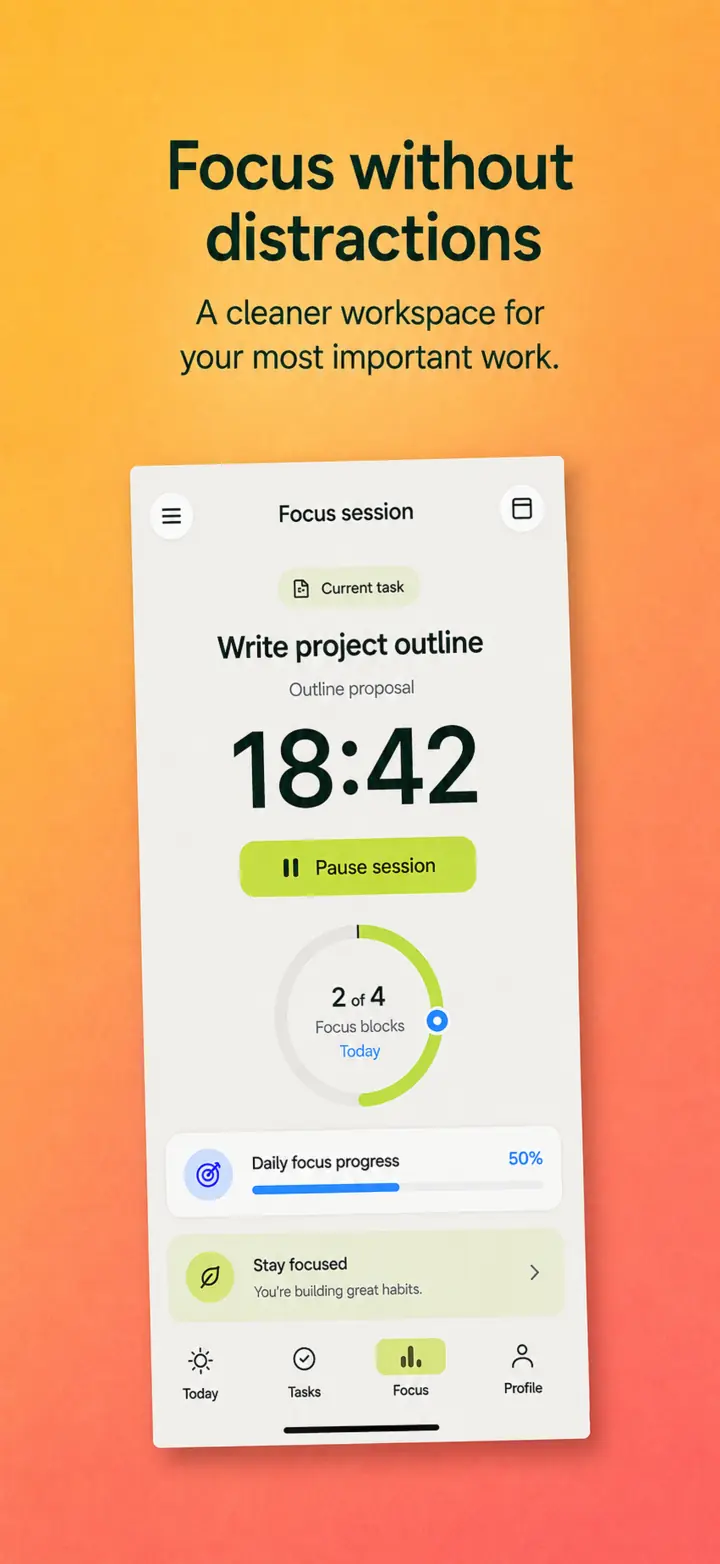
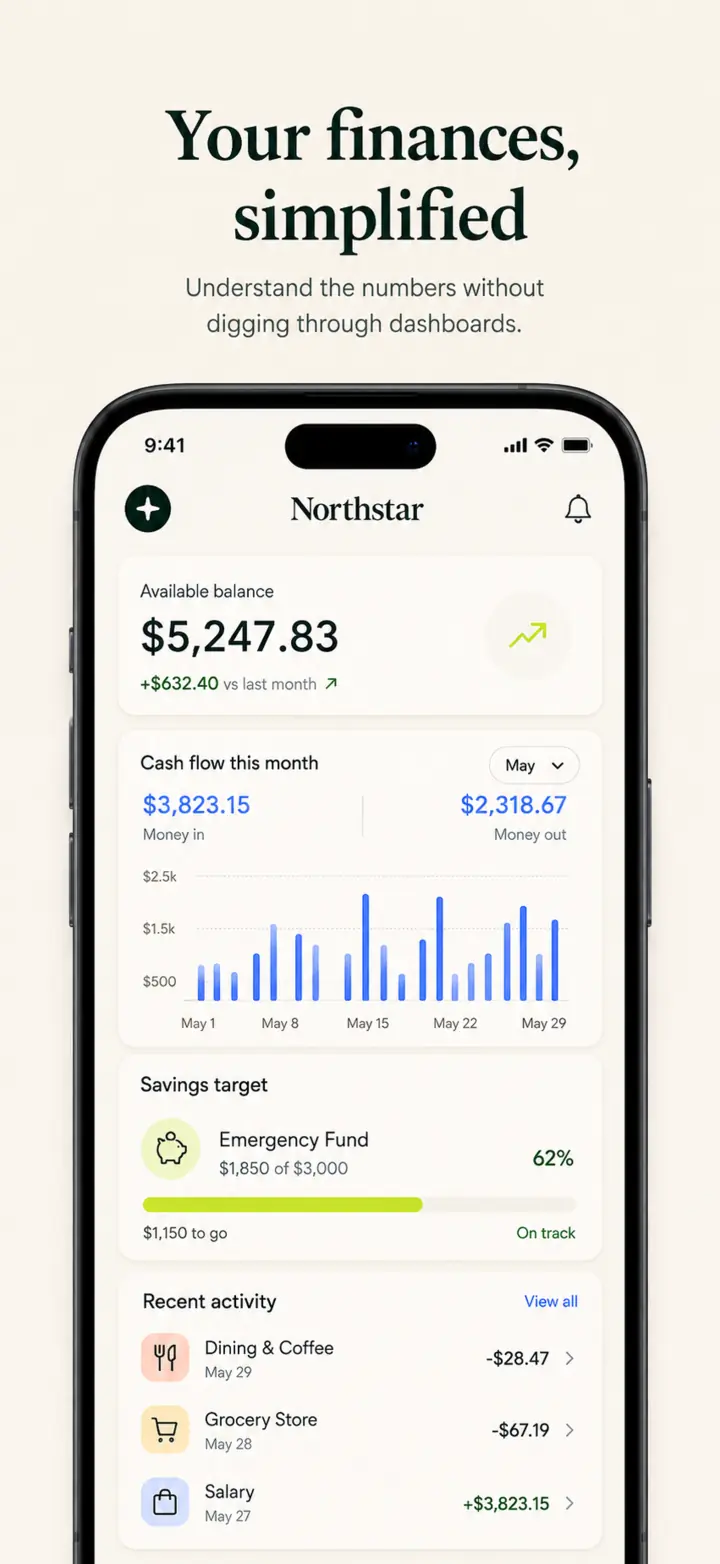
Original fictional showcase concepts demonstrating the kinds of store screenshot stories you can build with AppScreensKit’s layouts and editor.
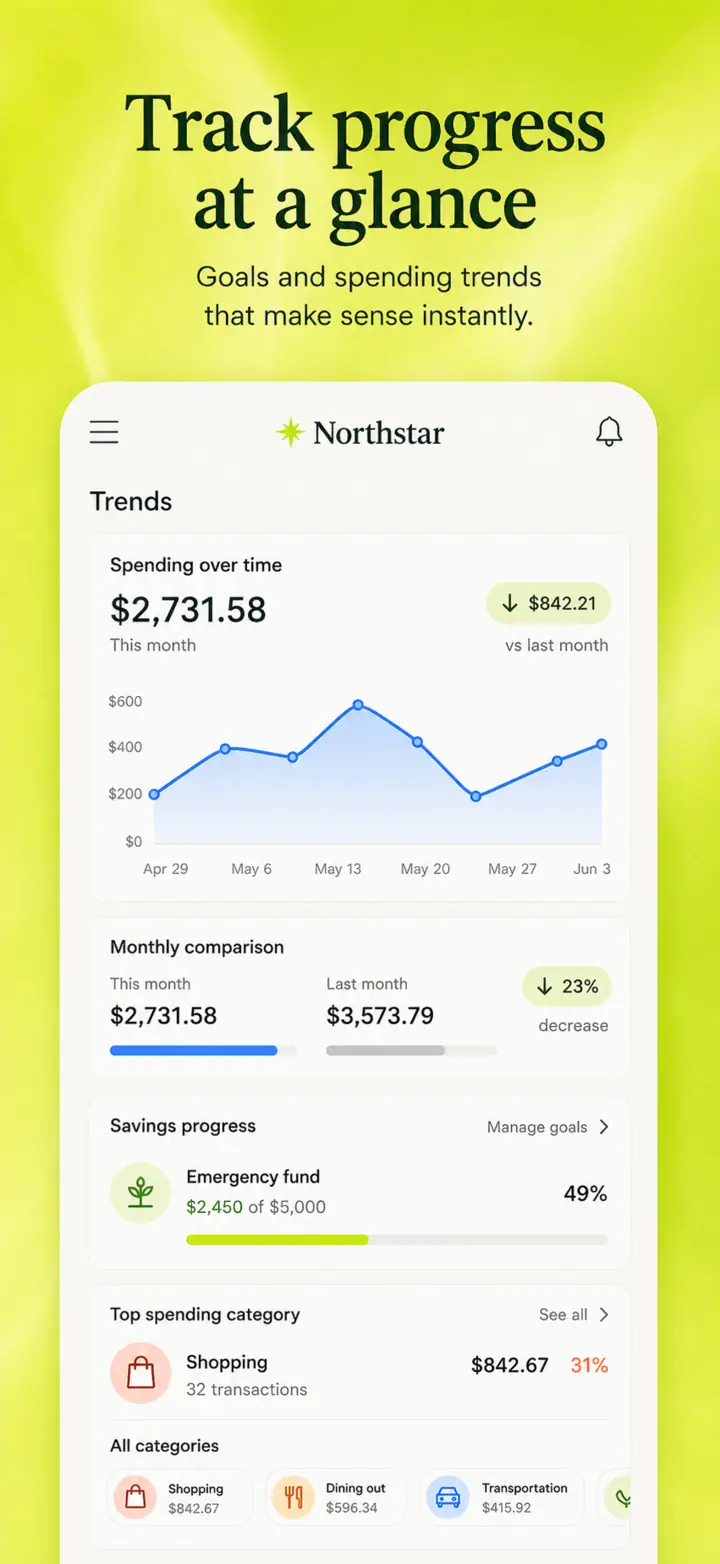
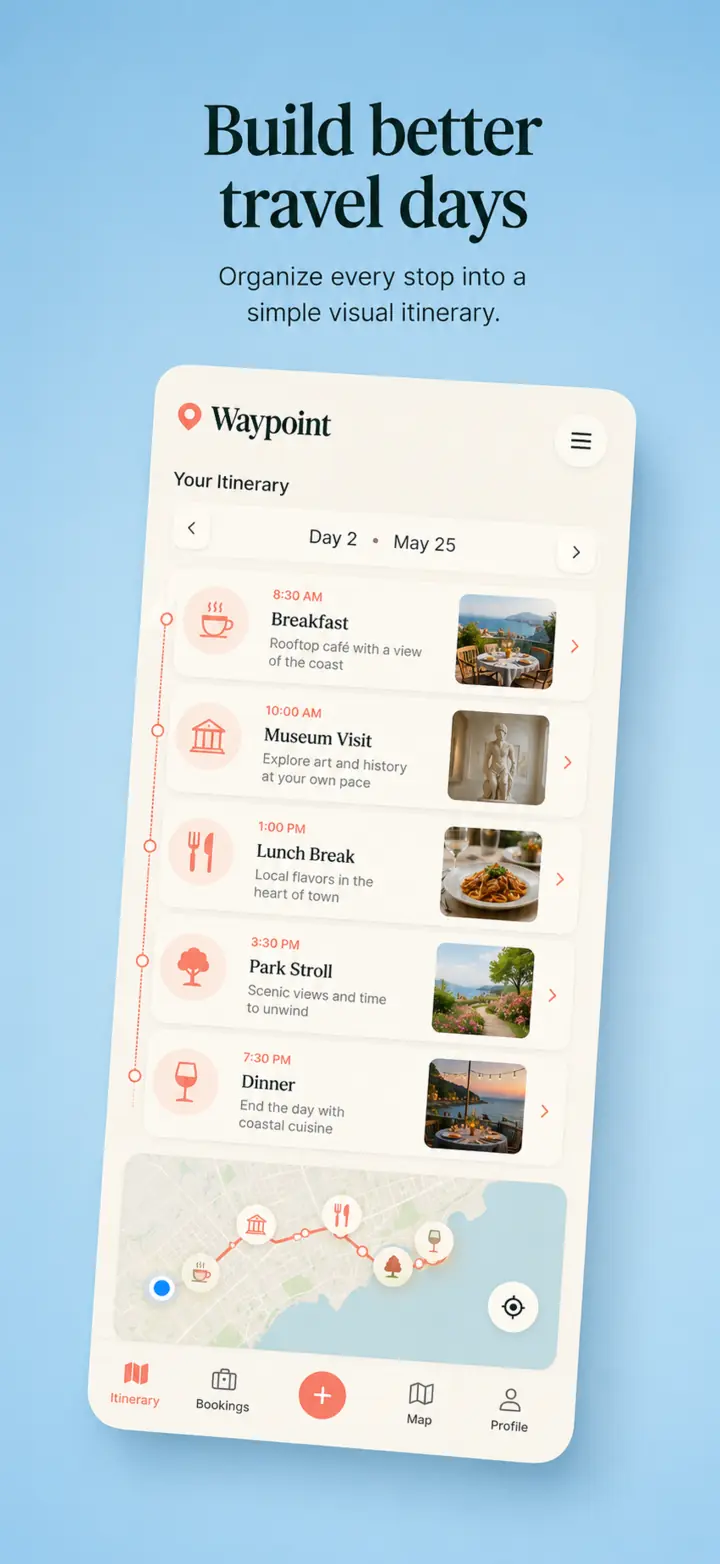
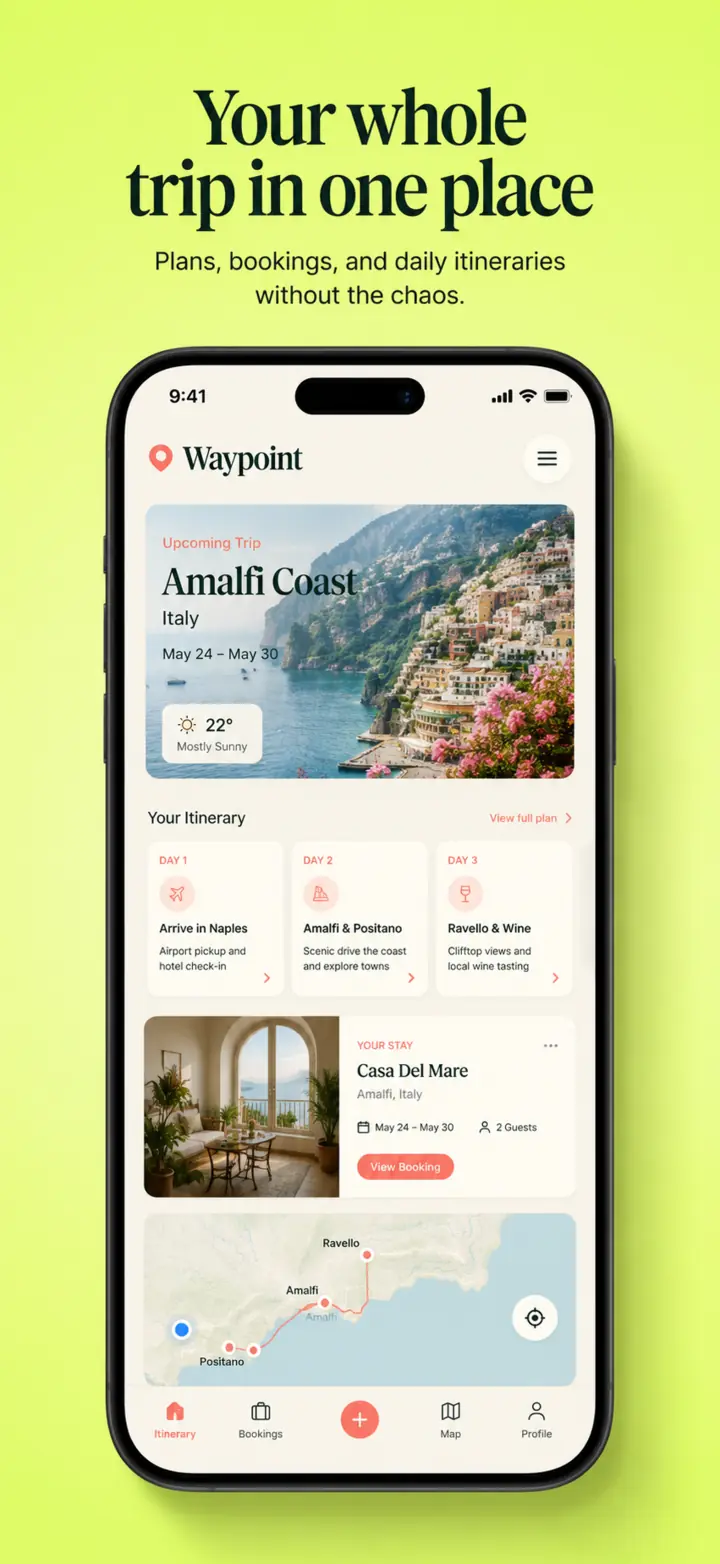
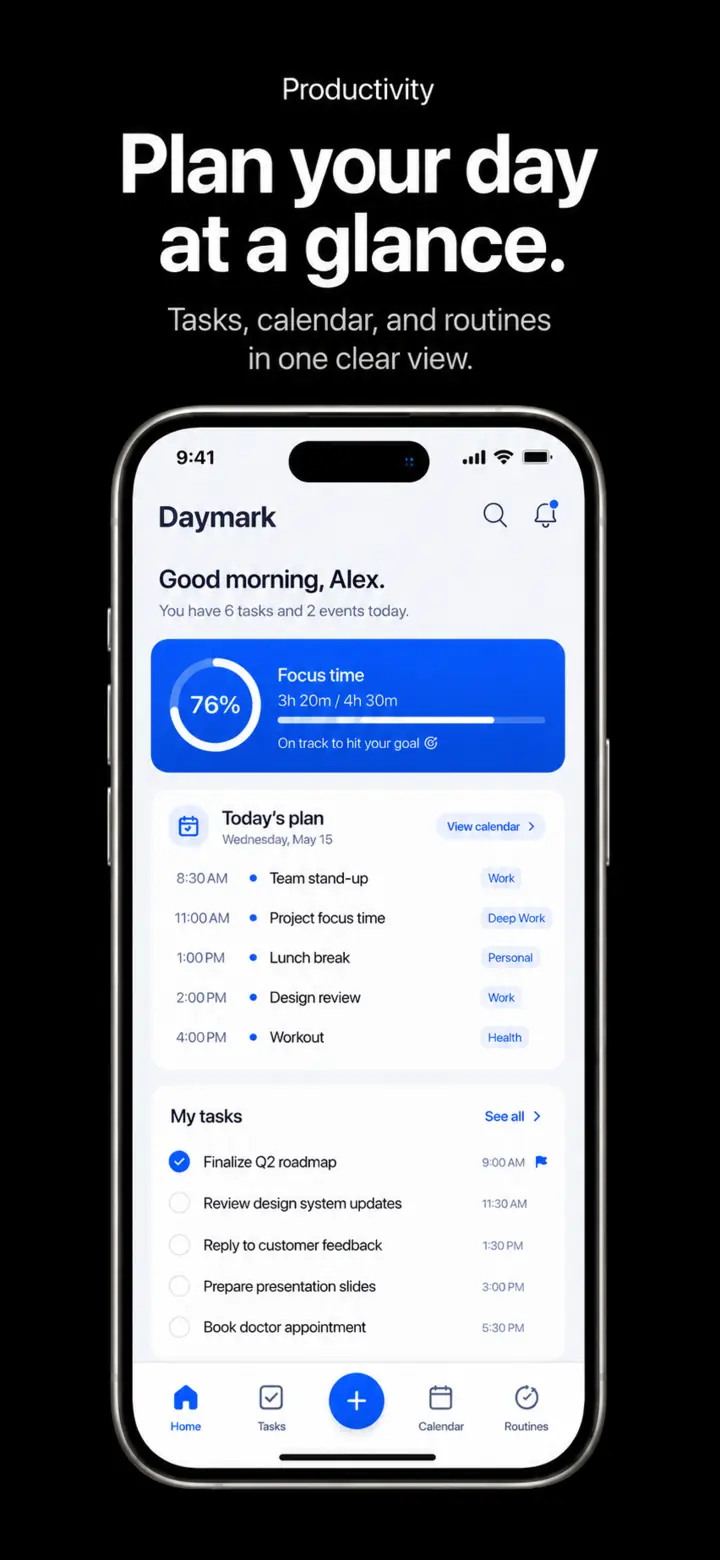
Simple pricing
Explore the complete editor
Ship store-ready screenshot sets
Save about 27% versus monthly billing
Questions, answered
It turns your app screenshots into editable Apple App Store or Google Play screenshot slides and exports opaque PNGs at the selected preset dimensions.
No. The editor includes layouts, colors, copy controls, device framing, ordering, and export in one focused workflow.
Yes. Choose a current Apple or Google preset, then always check the official store requirements before you submit.
The public demo keeps its changes in your browser. Signed-in projects store uploaded screenshots in a private Supabase bucket and use owner-scoped signed URLs when needed.
Yes. AI proposes an editable story using only your uploaded screens and existing templates. You can change every layout, word, color, and image after applying it.
Free includes five slides per project and watermarked preview PNG exports. Pro adds ten slides, exact-size PNGs, ZIP packs, and higher monthly AI and export limits.
You can use your own exported screenshots for your app or client work, subject to the AppScreensKit Terms and any third-party assets or store rules that apply.
They do. AppScreensKit keeps its preset registry versioned, but you remain responsible for checking Apple and Google’s latest submission guidance.